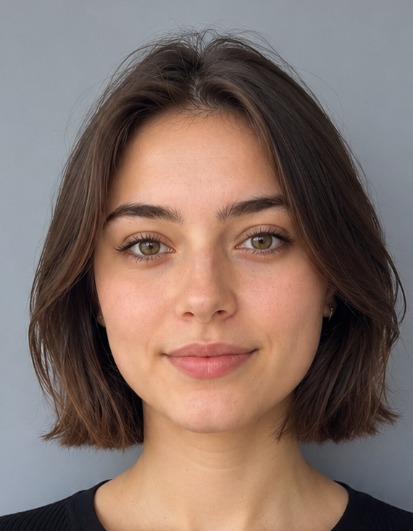
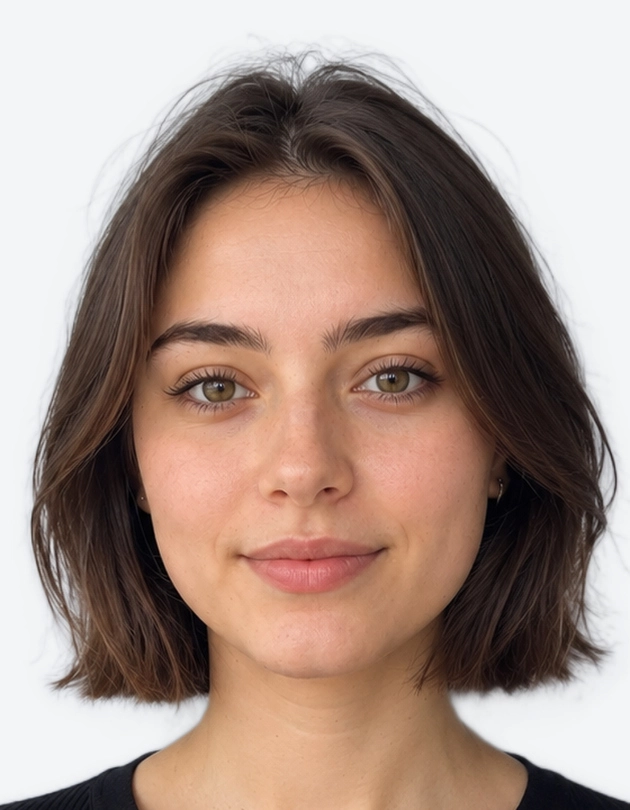
A permanent resident photo has to meet IRCC's own specifications, and they are not identical to the passport rules. The frame size is the same as a Canadian passport photo, but the age limit, background and back-of-photo details are different. This guide covers the Canada permanent resident photo requirements for both paper and online applications, so you know what to ask your photographer for.
Which Canada PR card photo rules apply to you?
IRCC publishes one set of rules for paper applications and another for online ones. Check how you are filing before you book a studio.
- Paper application: 2 identical printed photos.
- Online application (Permanent Residence Portal): 1 digital photo, uploaded with your form.
Either way, IRCC wants the photo taken by a commercial photographer or studio. The simplest request to a studio is: "an IRCC permanent resident card photo, printed and as a digital file, with a receipt."
Canada permanent resident card photo size and specifications
Printed photo (paper application)
- Photo size: 50 mm wide × 70 mm high (2 × 2¾ inches)
- Head size: 31–36 mm from the bottom of the chin to the top of the head, not counting hair
- Position: head centred in the frame
- Copies: 2 identical photos
- Paper: professionally printed on plain, high-quality photo paper. Home prints and heavyweight paper are not accepted
- Colour: colour or black and white
Digital photo (online application)
- Dimensions: between 715 × 1000 and 2000 × 2800 pixels
- File size: 4 MB or less
- Format: .jpeg or .jpg
- Source: a professional digital photo, or a scan of a professional print. A phone picture of a paper photo is not accepted
- Copies: 1 photo
The portal gives you its own crop-and-position step, and it turns your photo black and white after upload. IRCC says that is normal.
How your PR card photo should look
- Background: plain, untextured and white
- Expression: neutral, eyes open, mouth closed, looking straight at the camera
- Posture: face and shoulders centred and square to the camera, with no head tilt
- Lighting: even, with no shadows, glare or flash reflections
- Age: taken no more than 12 months before you apply
- Skin tone: natural, not edited
- Glasses: allowed if your eyes are clear and there is no glare on the lenses
- Head coverings: allowed if worn daily for religious or medical reasons, as long as your face, ears and shoulders are fully visible and no shadows fall on them
IRCC also suggests avoiding white clothing, since it blends into the background, and turtlenecks or bulky tops that hide the outline of your face. Remove facial jewellery around the mouth and eyes.
What to put on the back of a PR card photo
One of the two printed photos must show:
- your name and date of birth
- the date the photo was taken
- the studio's name and complete address
The photographer can write it by hand or use a stamp. Stick-on labels are not accepted, and no guarantor signature is needed.
If you apply online and your photographer gives you a digital file, upload a document that lists the same details plus a confirmation from the studio, such as a receipt. If you scanned a print, the scan must show the back of the photo.
Why PR card photos get returned
IRCC lists these common reasons:
- The photo is too dark
- The background is not white
- Facial features are not visible
- There is too much glare
- Digital dimensions fall outside 715 × 1000 to 2000 × 2800 pixels
- The file is larger than 4 MB
Other frequent problems are the wrong print size (for example a 35 × 45 mm visa-size photo), a head that is too big or too small, and any edit, filter or background swap. IRCC treats cropping around the head and pasting yourself onto a white background as an alteration.
If you upload online and the photo checker shows a warning, you can still submit. An officer reviews it and tells you if you need a new one.
Photos of children and newborns
Child photos follow the same rules. They should show only the head and shoulders, with no hands (yours or the child's) and no hair accessories. A newborn can be photographed in a car seat with a plain white blanket behind the head and no shadows on the face, ears or background. A range of expressions is accepted for newborns.
Practise your framing before the studio visit
You can use the tool on this page to see how your face size and centring compare with the 50 × 70 mm and 31–36 mm range. Treat it as practice. IRCC expects an original, unedited photo from a commercial photographer, so book a studio for the photo you actually submit, and read the official Permanent resident photos page before you go.
Need a passport photo too? The size matches, but the rules differ, so read our Canada passport photo requirements guide separately.