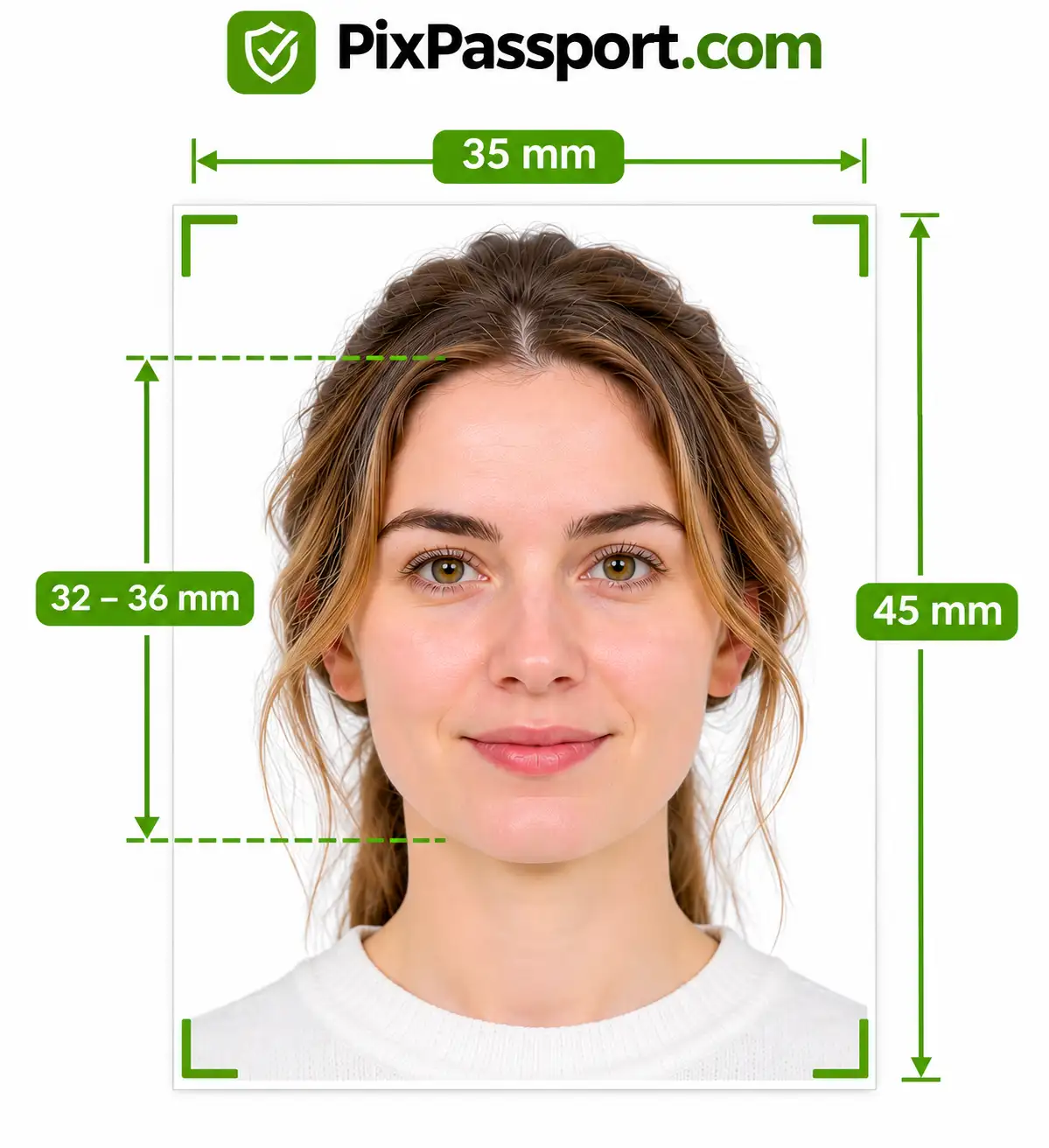
Want to make an Australian passport photo online from your phone or camera? Upload a picture and the maker crops it to 35 x 45 mm, sizes your head to the 32-36 mm chin-to-crown range and checks the background, lighting and glasses against the official guidelines. You can upload and preview your Australian passport photo online free, with no studio visit and no app to install.
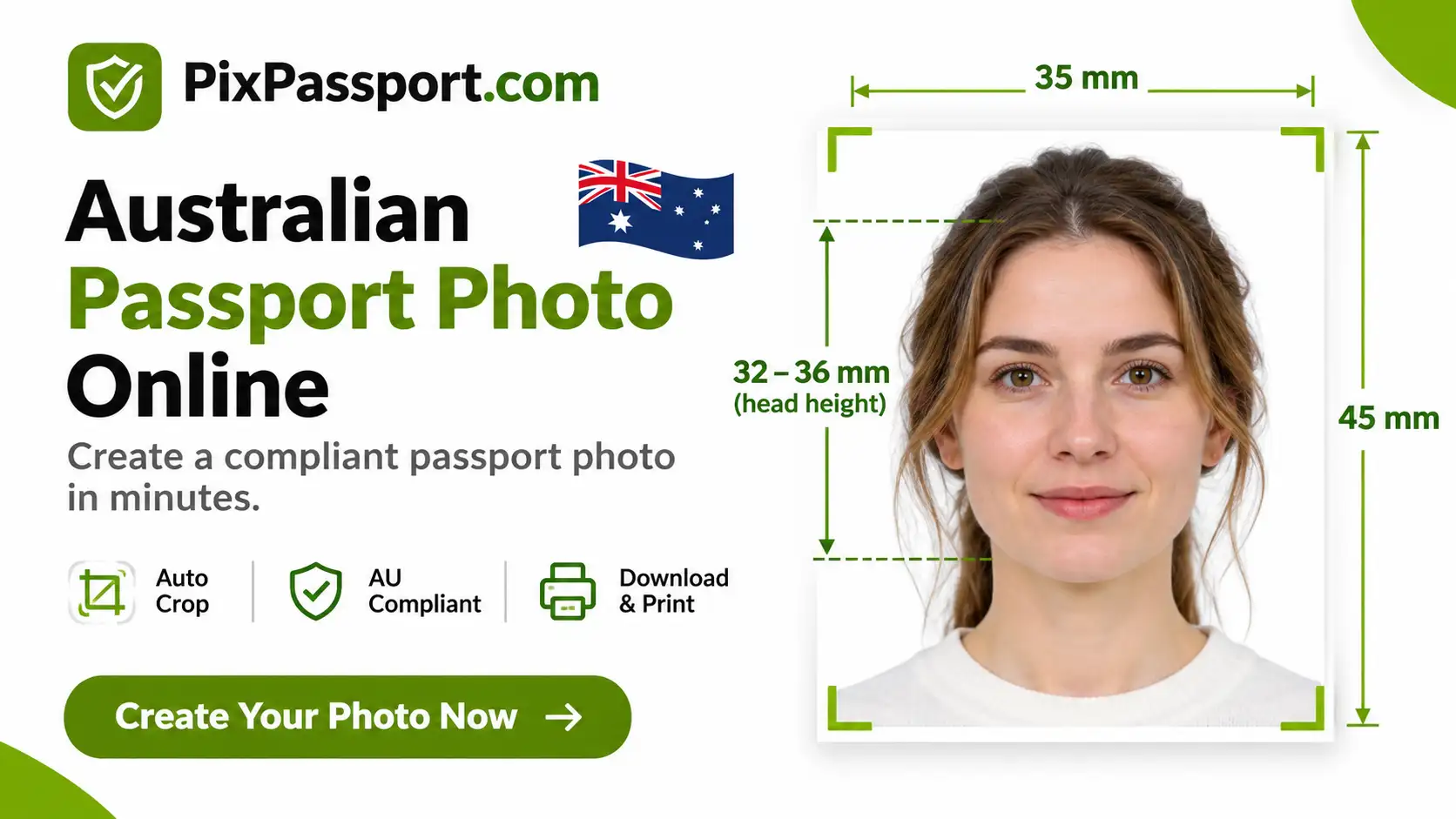
Important: The Australian Passport Office recommends a professional passport photo provider and does not recommend online photo services or apps. Australian passports need 2 dye-sublimation prints on glossy paper of at least 200 gsm. Use this tool to prepare and check your photo, for example a digital photo for a visa or citizenship upload, and always confirm it meets the official guidelines before you apply.
How to Make an Australian Passport Photo Online in 3 Steps
- Take a clear photo: Ask someone to take it, with you facing the camera straight on, against a plain white or light grey wall in even light. Remove glasses, hats and earbuds.
- Upload and check: The maker crops your photo to 35 x 45 mm, centres your face and checks head height, background, lighting and glasses. It shows anything that needs fixing.
- Download and use it the right way: Save a digital photo for a visa or citizenship upload, or use the result as a pre-check before you get professional dye-sublimation prints for your passport.
What Is an Australian Passport Photo?
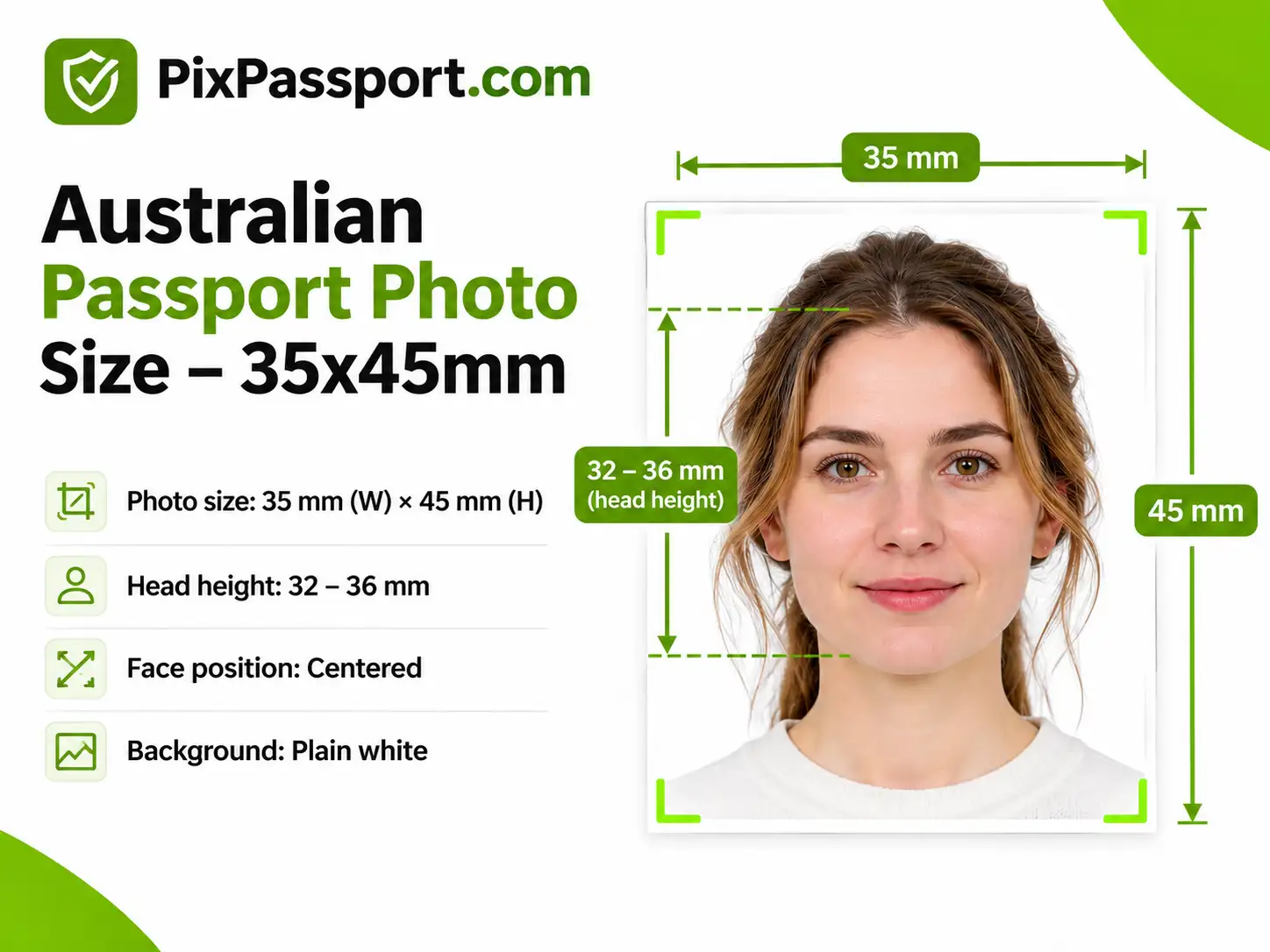
An Australian passport photo is a recent, front-facing colour photo of your face and the top of your shoulders, taken against a plain white or light grey background. The official size is 35-40 mm wide by 45-50 mm high, with your head measuring 32-36 mm from chin to crown. The maker handles the cropping and head sizing for you without changing your facial features.
Your Australia passport pic must also be less than 6 months old, free of retouching and taken with a neutral expression.
Australian Passport Photo Requirements at a Glance
These rules come from the Australian Passport Office photo guidelines.
| Requirement | Official rule |
|---|---|
| Number of photos | 2 |
| Photo size | 35-40 mm wide x 45-50 mm high |
| Head size | 32-36 mm from chin to crown |
| Age of photo | Less than 6 months old |
| Colour, dye sublimation (not inkjet), glossy paper of at least 200 gsm | |
| Background | Plain white or light grey, contrasting with your face |
| Expression | Neutral, eyes open, facing the camera (children under 3 may have an open mouth) |
| Glasses | Not allowed unless they cannot be removed for medical reasons |
| Retouching | Not allowed |
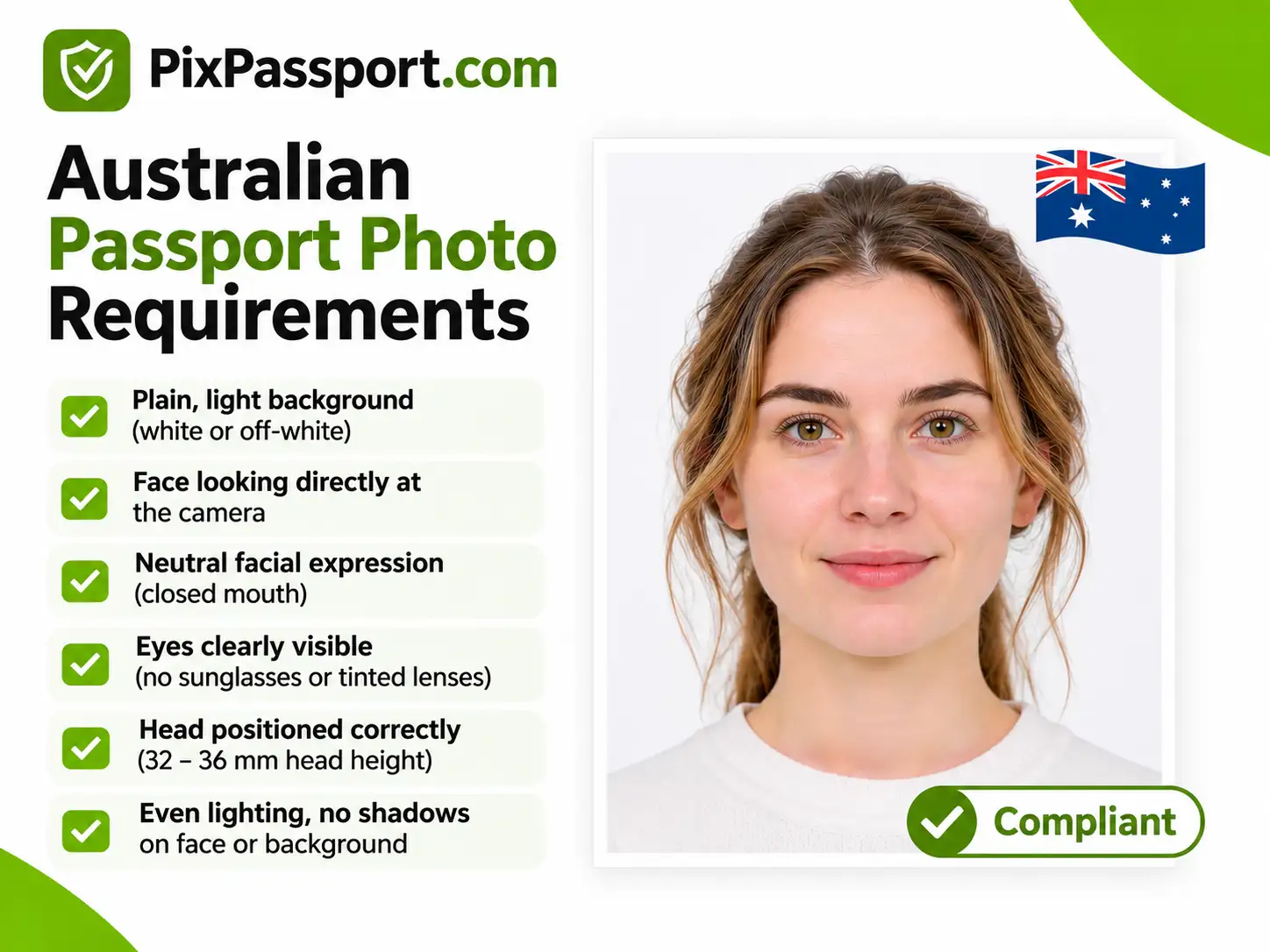
Read every rule in plain English in our Australian passport photo requirements guide.
Your Final Photo From the Maker
Here is what the maker prepares when you make an Australian passport photo online.
| Parameter | Your final photo |
|---|---|
| Dimensions | 35 x 45 mm (826 x 1062 pixels at 600 DPI) |
| Head size | 32-36 mm, chin to crown |
| Head position | Centred in the frame |
| Colour | Full colour, no retouching of your face |
| File format | High-resolution JPG |
| Best use | Digital uploads for visa and citizenship, or a pre-check before professional prints |
What the Maker Does
Crops to the Australian size
Your photo is cropped to 35 x 45 mm, inside the official 35-40 x 45-50 mm range, with your head scaled to the 32-36 mm band. See the Australian passport photo size guide for the sizes in cm and inches.
Checks the face, background and lighting
It flags shadows, an uneven or patterned background, glasses, a tilted head and closed eyes, so you can retake the photo instead of editing it. Retouching is not allowed in Australian passport photos.
Prepares digital photos for uploads
Some applications take a digital photo, such as many visa applications and online citizenship applications. See the Australia visa photo and Australian citizenship photo guides for their upload rules.
Australian Passport Pics That Pass the Check
- Face centred, looking straight at the camera, head not tilted
- Eyes open, mouth closed, neutral expression
- Plain white or light grey background with no shadows
- Even lighting that shows natural skin tone, with no red eye or reflections
- Hair off the face so the edges of your face are visible
- No glasses, hats or patterned head coverings (plain religious coverings are fine if your face is fully visible)
Australian Passport Pics That Get Rejected
- Smiling or a subtle expression (over 3 years old)
- Glasses, hats, patterned head coverings or wireless earbuds
- Shadows, uneven lighting or red eye
- A background that is not plain, or has been edited
- Hair covering the eyes or the edges of the face
- A blurry, dark or old photo (older than 6 months)
- A toy or a parent's hand in a baby photo
See all 26 official examples, with fixes, in our Australian passport photo mistakes guide. For babies, read the baby and newborn passport photo rules. Already have a photo? Test it with the Australian passport photo checker.
What the Maker Cannot Do
It cannot make passport prints
Most home printers are inkjet printers, and inkjet prints are not accepted. Get 2 dye-sublimation prints from a post office, professional photographer, camera store, some pharmacies or some chain stores.
It does not replace the official guidelines
A passing check means your photo has a good chance of meeting the rules we can measure. It is not an approval. Read can you take an Australian passport photo online or at home? for an honest look at what is allowed.
How to Print Your Australian Passport Photo
For a passport, take your prepared photo to a professional provider and ask for 2 colour dye-sublimation prints on glossy paper of at least 200 gsm. Make sure the image is not stretched, compressed or distorted, and that the final print stays within 35-40 mm wide by 45-50 mm high.
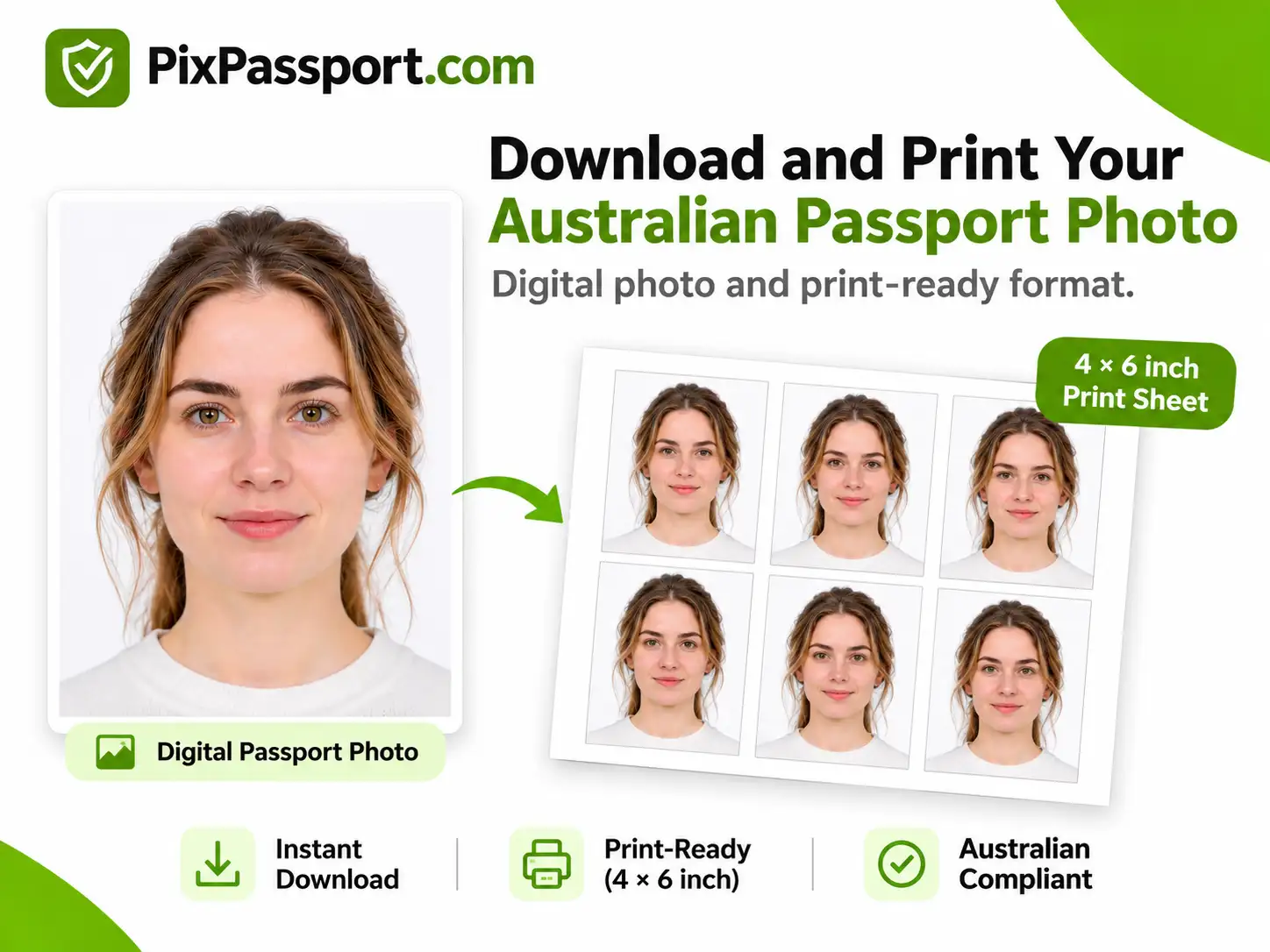
Our guide on where to get an Australian passport photo explains what to ask for.
Why Make Your Australian Passport Photo Online
- Convenient: Use any phone or camera, with no appointment or studio visit.
- Fast: Upload, crop and check in under a minute.
- Size done for you: Automatic 35 x 45 mm crop with head height set to 32-36 mm.
- Clear feedback: The checker tells you what to fix so you can retake instead of retouching.
- Works for uploads: Handy for visa and citizenship applications that accept a digital photo.
Official Sources
- Australian Passport Office: passport photo guidelines
- Department of Home Affairs: photo requirements for citizenship applications
Other Australian ID Photos
Need a different document? Our Australia visa photo and Australian citizenship photo guides cover the upload rules for each.
Last updated 21 November 2026. Rules can change, so always confirm the current guidelines on the official sites before you apply.
Frequently Asked Questions
Avoid Passport & Visa Photo Rejections
Our automatic AI tool fixes background shadows, crops to exact millimeter specs (2x2" or 35x45mm), and guarantees 100% biometric compliance.
Create & Fix My Photo Now