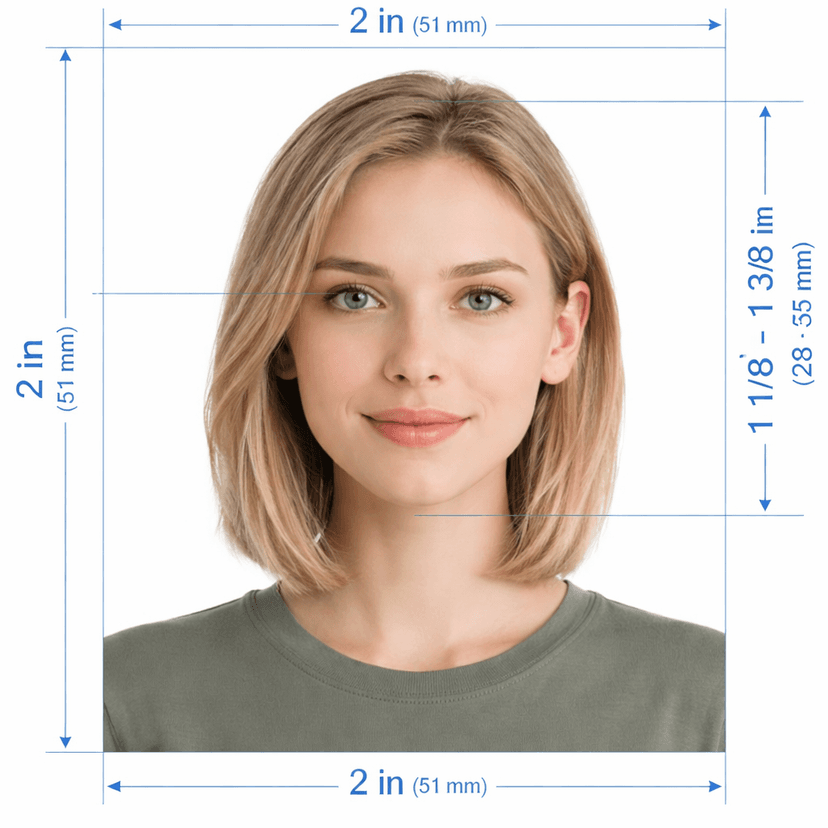
Create Your Saudi Arabia Visa Photo Online — 40×60mm, eVisa-Ready
Upload a photo and this tool builds a Saudi visa photo ready for the tourist eVisa, business visa, or work visa portal on the first submission. It crops to the required 40mm × 60mm size, positions your head inside the 70%–80% frame-height window, swaps your background for pure white, and exports the exact 944×1417px JPEG the Ministry of Foreign Affairs (MOFA) eVisa portal expects. Photos with a blue or grey background never pass — this tool always outputs verified white.
How the Tool Works
- Upload your photo. A recent photo against any plain wall works fine.
- The AI measures and crops. Landmark detection builds the 40×60mm frame and scales your head into the 70%–80% window automatically.
- Download and upload. Get a 944×1417px JPEG sized exactly for the eVisa portal, plus a print-ready A4 sheet for any in-person submission.
Saudi Visa Photo — 2026 Biometric Targets
What the Tool Fixes Automatically
- Wrong background colour: the AI strips out any blue, grey, or patterned backdrop and replaces it with verified pure white, the only shade the eVisa portal accepts.
- Wrong crop ratio: the 40×60mm frame trips up manual editing more than standard passport sizes — the tool scales the head into 70%–80% without clipping the shoulders or leaving excess headroom.
- Pixel mismatch: the export lands at exactly 944×1417px, matching what the eVisa upload field expects.
- Uneven lighting: exposure balances across the face so no shadow falls across the background.
Check These Before You Upload
The tool handles size, background, and resolution. You still control expression and head coverings:
- Keep a neutral expression with a fully uncovered, visible face
- Look directly at the camera with both eyes open
- Use a recent photo that matches your current appearance
- Follow the same headgear guidance as the passport photo — traditional dress stays on as long as the face remains fully visible
One Tool, Every Saudi Visa Category
The tourist eVisa, business visa, and work visa all use the identical 40×60mm, white-background, 70%–80% head-coverage standard. One export from this tool covers whichever category applies to your trip.
Frequently Asked Questions
Why does the eVisa portal reject a blue or grey background photo?
MOFA's eVisa system only accepts pure white — any tint, no matter how light, fails the automated check. This tool always outputs a verified white background regardless of your original backdrop.
What pixel size does the eVisa portal expect?
This tool exports at exactly 944×1417px, matching the 40×60mm print ratio at 300 DPI that the portal's upload field is built for.
Can I reuse my Saudi passport photo for my visa application?
Yes. Both use the same 40×60mm size and 70%–80% head-coverage standard, so a photo built here works for either document.
Does the tool fix a photo where my head looks too small in the frame?
Yes. Landmark detection re-crops the 40×60mm frame around your chin and crown until your head fills 70%–80% of the height, correcting the most common manual-cropping mistake with this format.
Can I use a photo taken on my phone for the eVisa upload?
Yes. Take it in good, even light against a plain wall, then upload it here for automatic background replacement, cropping, and resizing to the exact eVisa specification.
Smooth Visa Processing
This AI tool generates the correct 40×60mm, 944×1417px photo for your Saudi tourist, business, or work visa application, matching MOFA's eVisa portal specifications for 2026.